The Nintendo DSi became publicly available worldwide in April 2009, and from the get go, it represented an important evolution for Nintendo’s handheld lineup. By all means, it lost the Game Boy Advance slot, but it introduced built-in cameras, an integrated sound creation app and, most important for a modern audience, a built in internet browser, no longer requiring users to rely on a browser that came as a cartridge.
Yet despite these improvements, it still wasn’t a highly accessible console, especially if you were a disabled gamer who required additional input mechanisms, as I was throughout its fame.
And that is why, for the last few years, I have been loaning a customised DSi, which has a switch interface glued into it with 3.5mm jacks in the back, enabling me to activate the L and R shoulder buttons using accessibility switches I use for more up to date devices,
In this blog, I’m going to summarise how easy it has been for me to play another selection of games on it, and whether or not this Customised DSi makes these games easier to play.
Animal Crossing Wild World
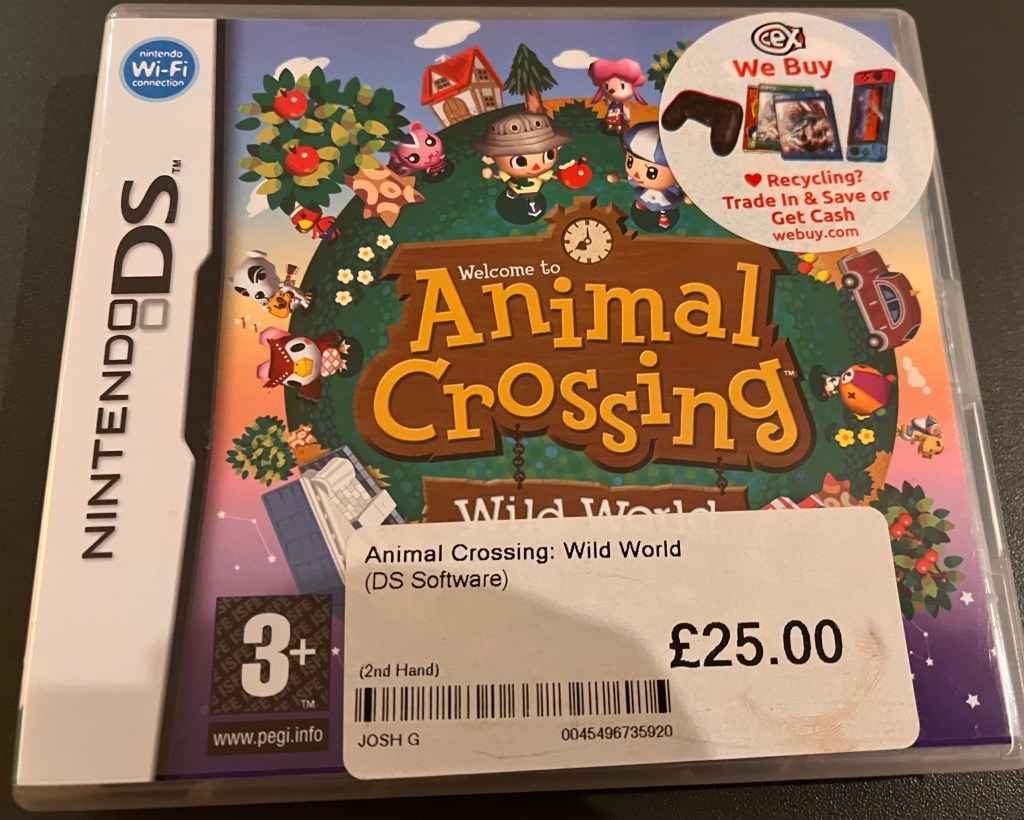
‘Animal Crossing Wild World’ is a Strategy game by Nintendo rated 3+ and that allows for 1-4 players (or at least it did until Nintendo discontinued online services for it, unless you’re willing to get into something that we’re not going to discuss here).
Throughout the game, you move into a village, where you can interact with neighbours, extend a home, complete jobs and explore the village, as days and seasons pass in real-time and you basically do whatever you like, whether that means fishing, shopping or visiting friends.
The controls for this version of the game include:
- Touch Controls or Button Controls for basic controls, such as walking and running, using an item or picking up an item.
- Keyboard Controls.
- Button Controls for other actions in the game, such as START for Save; SELECT for opening or closing the keyboard window, the A BUTTON for talking to someone, going inside a house, shaking a tree, to read a board or to use an item; the B BUTTON for picking up an item, picking up furniture, picking up a flower and cancelling an option, the X BUTTON for opening and closing a map, the Y BUTTON for opening or closing the item screen and the L or R BUTTONS for cycling through screens from the item screen.
So does the Customised Nintendo DSi make it easier to play this game?
Well, before answering this question, I just want to say how excited I was to try out an Animal Crossing game.
I remember being a teenager, hearing a new Animal Crossing game had just came out, begging someone to get it for me and the disappointment I felt when discovering that I couldn’t completely finish the game, due to the controller layout. Therefore, I knew that an Animal Crossing game would definitely be among the games I wanted to test out on the Customised DSi when I started trialing it, so I just want to put that forward first.
And since starting ‘Animal Crossing: Wild World’ twice, it definitely didn’t disappoint.
I’ve enjoyed walking around the world and had an easy time shaking trees, and while the L or R buttons haven’t really been crucial in the parts I’ve played through at this time, having the ability to use accessibility switches has been reassuring.
The only unsatisfactory thing about it is the lack of internet connectivity in the modern world, in which case I may retest it when publishing content about 2DS gaming.
But yes, for the most part, ‘Animal Crossing: Wild World’ is made significantly easier thanks to the customised DSi, or at least better than it was for me.
Mario Party DS
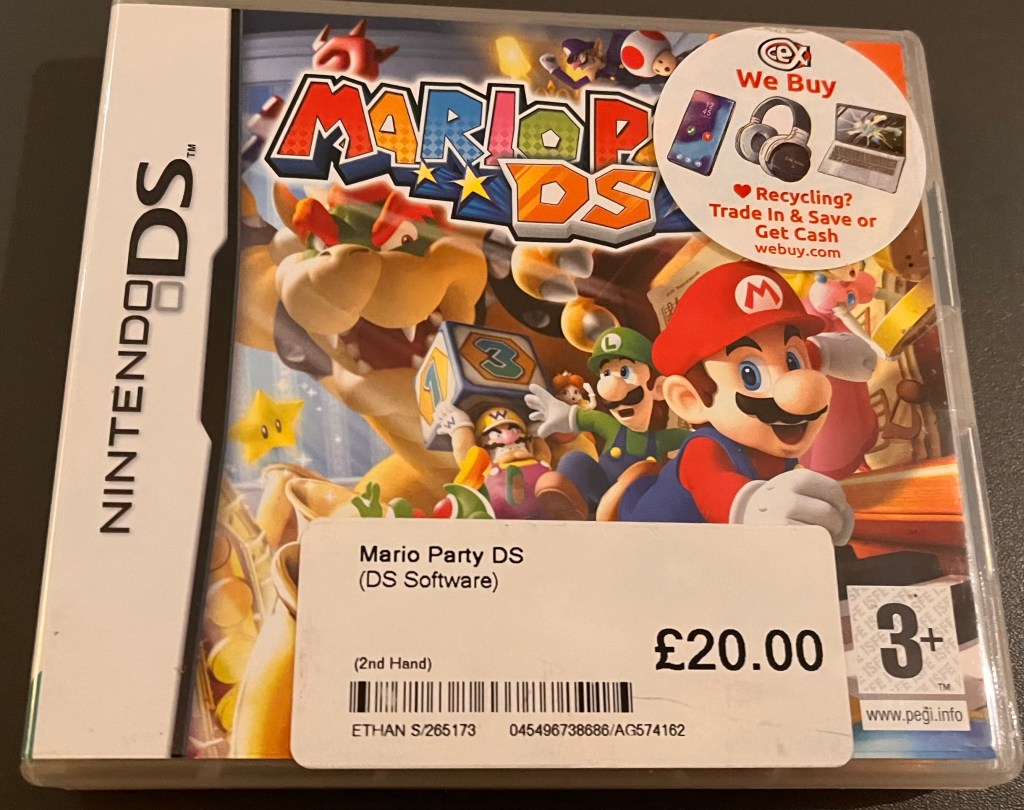
A Party DS Game developed by Nintendo and rated 3+, ‘Mario Party DS’ is a multiplayer and single player game, which also offers five exclusive boards full of traps and fun, including Donkey Kong’s Wild Jungle, Princess Peach’s Music Room, Bowser’s Pinball etc.
But what made this Mario game different than most other Mario titles in Nintendo’s catalog, whether back then or in the current day, is that it was the first Mario game to blend touch screen controls and buttons, not something that everyone was a fan of, but something that may make it easier to play for some physically disabled gamers.
The overall controls of the game include:
- Touch and Sliding With a Stylus (for a range of functions, such as choosing menu options or selecting options etc).
- L and R Buttons (for scrolling through lists in the game).
- D-PAD (for controlling character movement and the finger curser).
- The START Button (for pausing menus).
- The B Button (for cancelling selections or returning to the previous screen).
- The A Button (for confirming actions and jumping).
- The X Button (for selecting mini games on the mini game screen).
So how much easier does the Customised DSi make this game to play?
Well, compared to older games, the touch controls on Mario Party DS does make it easier to play. But it only does so as long as it doesn’t blend jumping into it, which, after a few minutes into trying it out, I found out it eventually does.
I was lead to believe on the website I ordered the game from that jumping had been swapped to movements you could make with a stylus, and I had hoped that would be the case. But as it turns out, only menus and some mini-games utilised the Touch Screen effectively, while jumping still relied on button presses, which is something that my customised setup doesn’t support.
But slightly hypocritical, I also feel like a tap with the stylus on the Touch Screen took over too much movement at one point, which I have to admit, I would have preferred to do with a stylus.
So although it was ok for the most part, I would have preferred to use Touch Screen control for character movement and jumping, or at least have had the option of using the stylus in settings, and I hope this is something that Nintendo can implement with their handheld games in the future (even though the Switch and Switch 2 are now the latest Nintendo consoles).
Princess Isabella Witch’s Curse
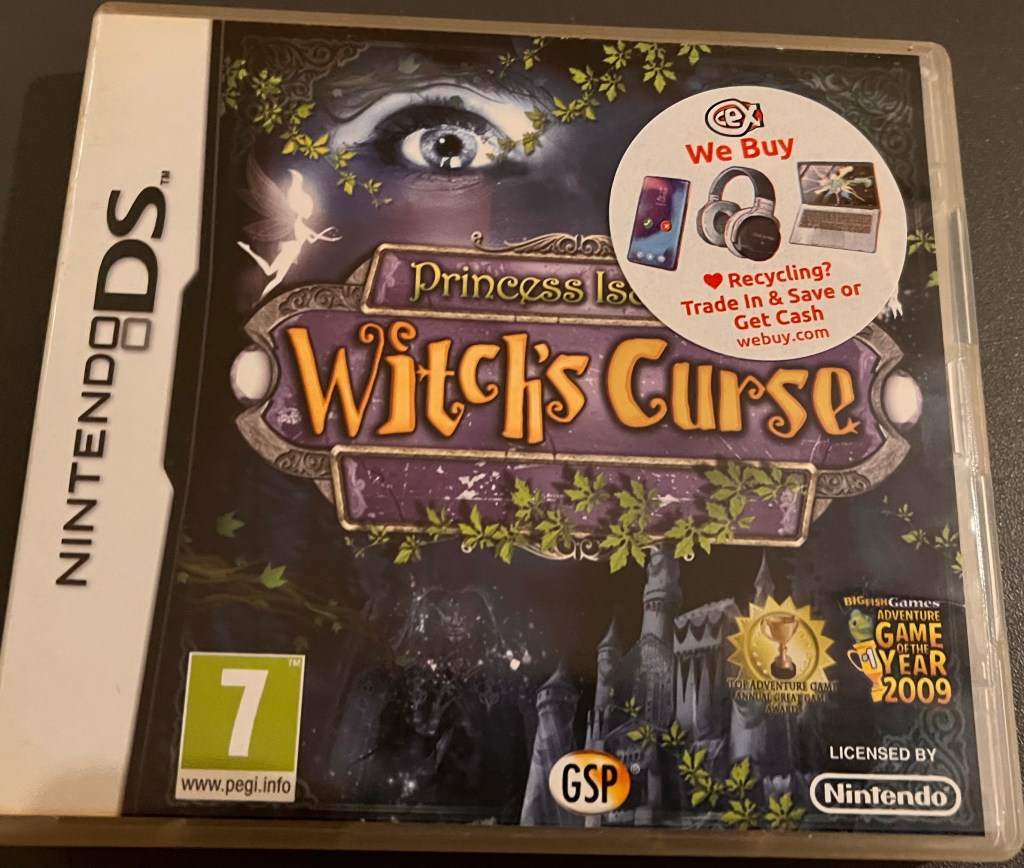
A single player Puzzle game by Gogii and rated 7+, ‘Witch’s Curse’ takes place among the background that Princess Isabella’s castle has been cursed by an evil witch, trapping her loved ones behind mirrored walls.
Throughout the rest of the game, you’ll have to journey through the castle, solving puzzles and battling unnatural beings, in order to banish them and rescue your family.
The controls for the game include:
- The Touch Screen (for moving, tapping and receiving hints)
- The D-Pad (for moving, if you don’t want to use a stylus).
- The R Button (for loading the journal).
- The START Button (for returning to the main menu).
And since I had an accessibility switch plugged into the R port, the game worked perfectly. Although the R Button isn’t necessarily needed for anything important, I was able to access the Journal easily by just tapping it, so it’s definitely an accessible title.
Escape the Museum

Another single player Puzzle game by Goggi but that is rated 3+ instead of 7+, in ‘Escape The Museum’, you’ll find yourself playing as Susan Anderson, who, after bringing her daughter Caitlin to work for the day at the National Museum of History, is separated from her after an earthquake takes place and destroys the city.
Throughout the rest of the game, Susan must rescue her daughter who has been trapped inside the museum, even if, at times, it is difficult to move.
The controls for the game include:
- A stylus or finger on the DSi’s Touch Screen (for navigating and selecting objects).
- The D-Pad (for navigating).
- The X Button (for scrolling up).
- The A Button (for scrolling right).
- The B Button (for scrolling down).
- The Y Button (for scrolling left).
- The R Button (to receive a hint).
- The START Button (to pause or return to the main menu).
- The SELECT Button (to access the Advanced Dialogue Page).
So does the customised DSi make this game easier to play?
Well, after trying it out again recently, I can categorically say that the answer to this question is yes.
Giving that it only requires you to use one shoulder button, the fact that it only need to tap it once makes it immensely easier, especially after you plug an accessibility switch into the R Port. However, you also don’t need to hold whichever switch you have plugged into the R Button down, which makes it an even easier feature.
For that reason, I have found ‘Escape The Museum’ highly enjoyable, and I might even add it to my list of games to play a bit more of soon.
Emily Archer & The Curse of Tutankhamun
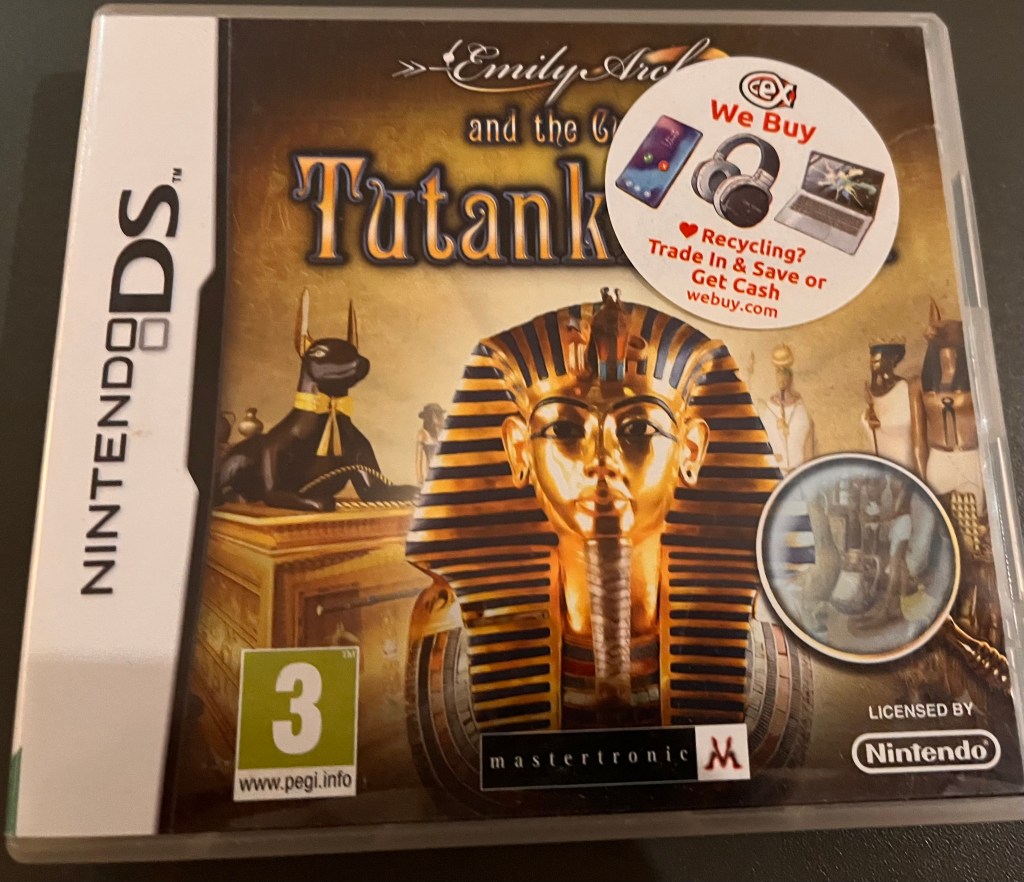
A single player Puzzle game by FlyWheel Games that is rated 3+, ‘Emily Archer and The Curse of Tutankhamun’ has you playing as the assistant to Lady Emily Archer, who have been invited to Egypt by Lord Carnarvan to see the treasures of Tutankhamun. Two months later, you and Lady Archer arrive in Egypt, only to discover that her dear friend has been murdered, and that the mask of Tutankhamun was also stolen.
Throughout the rest of the game, you have to help her solve the murder or decide whether or not everything is taking place as a result of the long-held belief in the curse of Tutankhamun.
The controls for the game include:
- A stylus or finger on the Touch Screen (for navigation and selecting objects).
- The D-Pad (for Scrolling).
- The START Button (for pausing and loading up the main menu).
- The L or R Buttons (for loading the inventory).
So like ‘Escape The Museum’ and ‘Witch’s Curse’ I would say I’ve really loved playing it, and I especially like that it gives you a choice between L and R.
Crime Lab: Body of Evidence
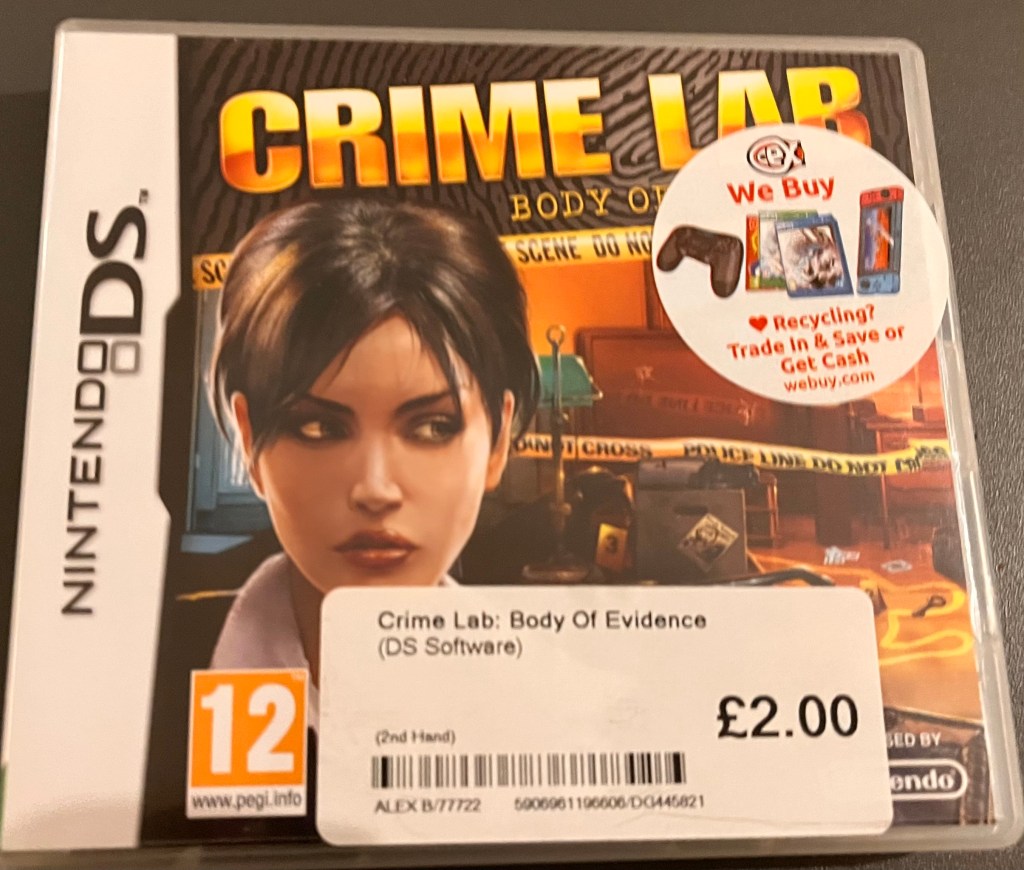
A single player Adventure game by CITY Interactive and rated 12+, ‘Crime Lab: Body Of Evidence’ is another investigation game, similar to the titles in my earlier blogs on the Customised DSi.
Throughout the game, you play as FBI agent, Nicole Bennet, who finds herself hunting down a coldblooded serial killer who leaves playing cards near his victims, while completing over 300 puzzles and riddles, mixed with FBI equipment which has been mixed into the game as well.
Controls of the game include:
- The D-Pad (for scrolling).
- The Stylus and the Touch Screen (for tapping and selecting objects and activating actions).
And while this does mean that it isn’t a game you have to play on a customised DSi, it’s nice having another investigatory game that doesn’t require any added switches to play.
So overall, the Customised DSi has made a good number of these games more accessible, though there’s still one game that I wasn’t able to play as easily.

 Phoebs Lyle Tech Reviews