The Nintendo DSi was the third entry into Nintendo’s family of DS Consoles, yet the first to include new features that would then become on later DS handhelds, including dual cameras, music playback and built in access to the internet.
But while all this was great, there were some things it didn’t do as well (and no, I’m not talking about the lack of a Game Boy Advance slot). Instead, I’m hinting at the lack of accessibility features on the handheld, especially the lack of accessibility features for gamers who required alternative input methods, which is why I’ve been researching into this, while trialing a customised version of the Nintendo DSi, which has been modified with a switch interface glued into it, with 3.5mm jacks in it that are mapped to the L and R buttons.
So in this blog, I’m going to summarise 5 DS titles I’ve tested out on it, so I can find out whether or not the Customised DSi makes them easier to play.
Heroes of Mana
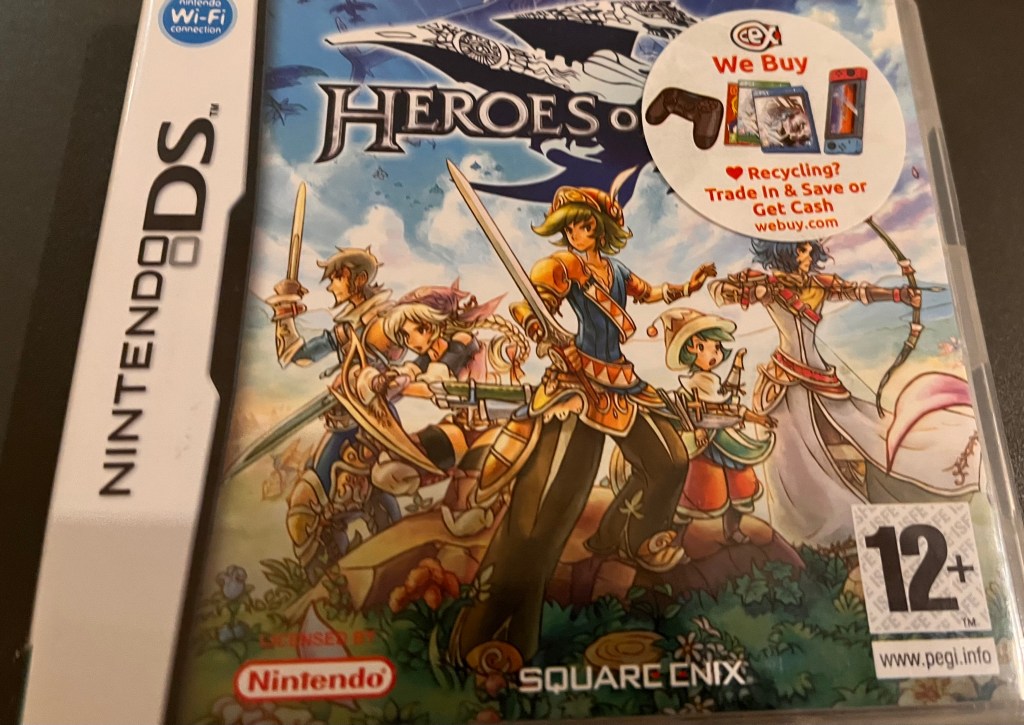
‘Heroes of Mana’ is an Adventure game published by Square Enix, which is rated 12+ and allowed 1-2 players (at least until the online services were shut down, although there may still be ways of playing with another player, but only if you’re prepared to experiment with some things we’re not going to discuss on here).
You play as a range of characters (Roget, Yurchael, Qucas, Gemière and D’Kelli) who, while investigating rumours of an impending invasion, find themselves riding on a ship that is shot down by a rival group. After landing in a forest, Rojet and Yurchael discover they’ve been separated from the others, but they are soon discovered by a beastman patrol, as well as Qucas, Gemiére and D’Kelli. Throughout the rest of the game, you have to help them stop the peaceful village of Mintas from being attacked.
The game consists mainly of Touch Controls, such as tapping, sliding and circling, but you can also play it by pressing:
- The D-PAD (for scrolling the battlefield).
- The L or R Buttons (for rotating the battlefield).
- The START Button (for loading game settings).
- The B Button (for fast forwarding through events and battles).
- The A Button (for accepting dialogue).
- The X Button (for toggling a unit type).
So how accessible is the game and does the Customised DSi make it easier?
Well this is where I’ll have to give a very vague answer.
I have started and restarted this game at least three times, and for the life of me, I can’t really get into the storyline. Similarly, I’ve tried playing through a good proportion of the game, and while I have been able to get around the controls, they can take some time to get used to, and they can get harder when you’re tired. So while the Customised DSi does make the game easier to play, and I will continue playing it so I can see if there’s any more content I can get out of it, it definitely isn’t a game you’ll have a good time playing if you want to chill and not think, which makes me not rate it that highly in this blog.
Chronicles of Narnia: Prince Caspian

Based off the book by C.S Lewis and the 2008 Disney film, ‘Chronicles of Narnia: Prince Caspian’ is an Adventure game published by Disney Interactive and rated 7+.
For those of you who aren’t too familiar with the Narnia movies or books, this game, in the real world, takes place a year after the events of ‘The Lion, The Witch and The Wardrobe’, though in Narnia, 1,300 years have passed. But furthermore, since the events in the first game, an invading race of men have taken and pushed the Talking Beasts out to the wilderness as the despotic King Miraz sits on the throne.
Your goal throughout the game is to help his nephew, Prince Caspian, overthrow his evil uncle and bring The Talking beasts in from the cold, with the help of the Pevensie children you play as in the original game, Peter, Susan, Edmund and Lucy.
The game offers a range of Touch Screen and Button controls, including:
- TOUCH SCREEN OR D-PAD (for navigating characters and menus).
- SELECT (for activating character setup menus).
- START (for accessing the Exit menu).
- MICROPHONE (to blow the horn for fleeing the battle).
Unlike other games in my list, I feel like this game is one that is accessible without actually requiring access to the switch interface or any accessibility switches you have plugged into the L or R jacks, though the controls do still take some time getting used to. While playing through combat scenes the other night, it took me ages to realise that I was meant to select my hero first before selecting an enemy, but after I got the hang of it, I had a much better time playing it.
I haven’t made it so far into the game yet that I can say anything more than that, but at the minute, it seems like an extremely accessible game, and if I can ever bring any more content forward about it, I will happily do that.
Salem Secrets
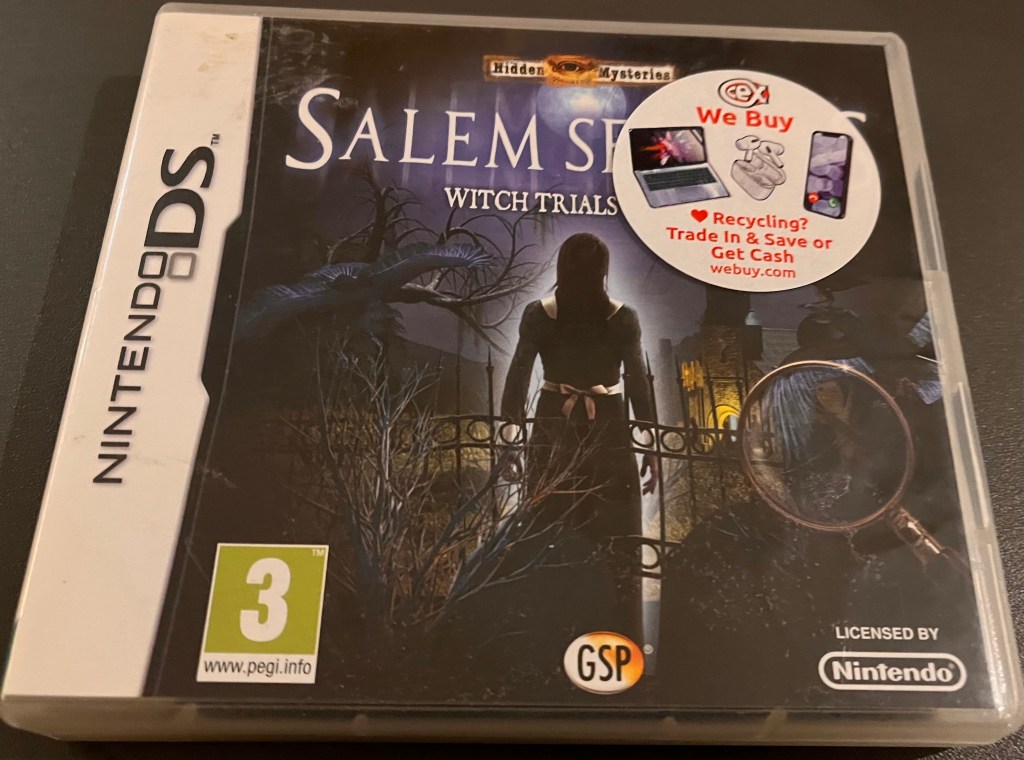
A single player Adventure game developed and published by Gunnar Games, ‘Salem Secrets’ is rated 3+ and set against the backdrop of the 1692 Salem Witch Trials in a version of Massachusetts that has seen four of its young girls suffering from mysterious fits and bizarre tantrums, while whispers amongst the towns folk that the girls have been ‘afflicted’ by witchcraft are also going rampant.
You play as Constable Hawthorne, who has been sent by the Governor of Massachusetts to investigate these rumours and uncover the truth behind the Salem curse.
Throughout the rest of the game, you have to solve riddles and search for clues, in the hope that you get to the bottom of the questions proposed by the game.
The controls are yet again mainly Touch based, with a stylus being used for navigation and interaction, but other controls include:
- The L Button (which you have to press in order to reveal directional arrows for movement or a magnifying glass for closer inspection of areas).
- The B Button (which is used to access the Journal including character notes).
- The MENU Button (which returns the user to the main menu).
And while there aren’t any Toggle options to toggle the L Button on, you can put an accessibility switch which you have plugged into the L port then put it onto a clamp that can then be positioned by your head to make it easier.
Percy Jackson & The Lightning Thief
Based on the the film of the same name, ‘Percy Jackson and the Lightning Thief’ is an Adventure-Strategy game developed by Activision and rated 12+.
The game follows the story of 16 year old, Percy Jackson, who discovers he is a demigod and the son of Zeus after surviving an attack by a fury who has been disguised as his teacher. Throughout the game, you have to help him find his father’s lightning bolt and return it to him, while also defeating monsters along the way.
Similar to ‘Chronicles of Narnia: Prince Caspian‘, this game is Touch Screen based, but unlike the game I wrote about earlier, it doesn’t offer any button controls. Therefore, you play the game completely with the Touch Screen, whether that be for controlling characters and using their powers, blocking attacks when enemies attack or when competing in combat.
But while this should make gameplay a lot easier, I’ve found it very difficult to get the hang of timing, though that may be because I was extremely tired when I tried playing through it again the other night.
So while the game makes perfect sense, especially as I’m one of the generation who grew up with the book and absolutely loved it, it isn’t exactly a game to play if you’re absolutely knackered.
Puzzle Quest: Challenge of the Warlords
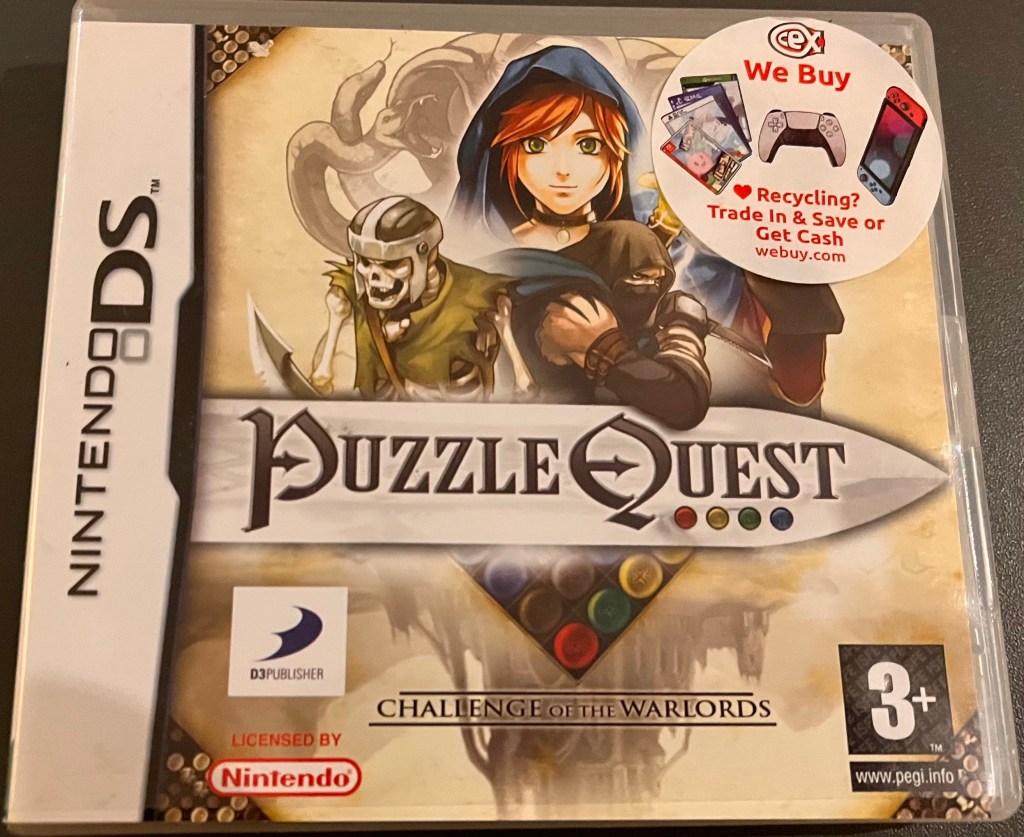
A puzzle game that is blended with a story theme of good vs evil, ‘Puzzle Quest: Challenge of The Warlords’ was developed by Vicious Cycle and published by D3 Publisher of Japan. It is rated 3+.
Set in the mythical world of Etheria, which is slowly being overrun with evil, you have to help whichever hero you create to protect the kingdom of Bartonia from the undead invasion and seek out the vile creatures who risk the safety of your countrymen. To do this, the player has to defeat their enemies in the Battle Grid, travel the world gathering and completing quests, helping the helpless, defending the defenceless and befriending the friendless in order to plunge evil forces from the world.
You can play the game mostly by using the Touch Screen, but other controls in the game include:
- A (to confirm selections).
- B (to cancel or to return to the previous menu).
- X (to centre the camera on a character).
- L or R (to swap the upper and lower screens).
So does the customised DSi make it easier to play this game or not?
Well for the most part, the game is easily played with just the Touch Screen. Yes, I got confused the other night when playing it, but I think that was mainly because I was tired again and couldn’t be bothered looking up an online tutorial for how to get past the beginning.
But while most of the controls are accessible, it is annoying that, if you press a switch that is plugged into the L or R port, the screens only switch for a second until you let go again. By all means, this can be made easier by placing an accessibility switch on a clamp that can be positioned by your head to help make it easier to press down, though I guess that’s what you get with a game that was made long before the adoption of Toggle Options.

 Phoebs Lyle Tech Reviews