The Nintendo DSi is an old DS console, originally released in 2009, and which has long been a beloved platform for gamers. But for those who are physically disabled, the standard controls and button layout can pose significant barriers to enjoyment.
Enter the custom DSi which I’ve been trialing for a while, a modified version of the console that aims to address these accessibility concerns.
The DS I have been trialing has been customised with a switch interface in the spot that would normally be used to store a stylus, but instead allows physically disabled Nintendo DS fans to plug external switches into 3.5 mm ports that act as the L and R buttons.
I recently tried playing a couple more games on the Custom DSi, and in this blog, I’m going to outline how easy or difficult they are to play and whether they are accessible enough on a customised DS for disabled gamers to play.
Shrek The Third
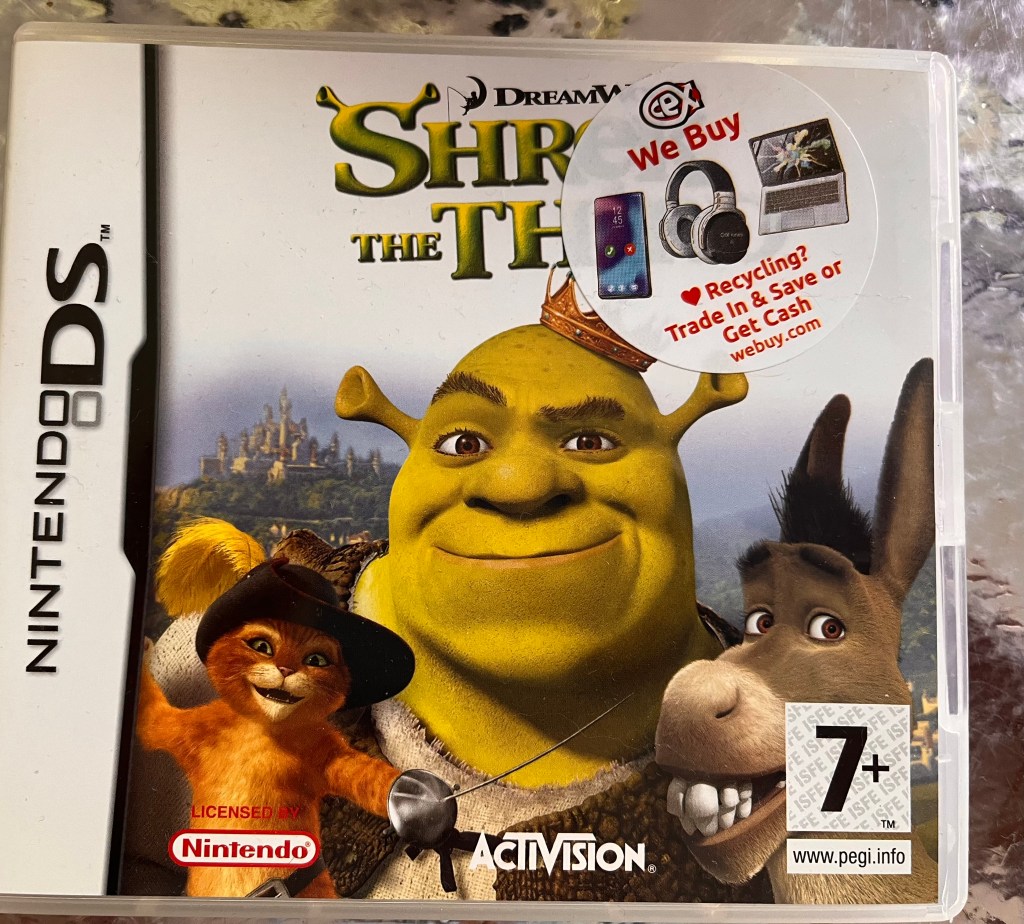
Shrek The Third is an Adventure game developed by Vicarious Visions and published by Dreamworks that is rated 7+ and allows for 1-3 players.
It is based off the third movie in the Shrek franchise, and is completely playable with your mouth.
Throughout the game, you’ll play as Shrek, Arthur Pendragon and Puss-in-Boots, who you can swap between, as they battle to stop Prince Charming and an army of villains from invading the kingdom of Far Far Away. Beyond this, you’ll also be tested to play to each character’s strengths and to complete the challenges and puzzles that are thrown at you.
To play the game you’ll have to use the Touch Screen, the L/R triggers, the D-Pad or the ABXY buttons, the Start button and the DS’s microphone, but none of them call for too complicated actions.
The actions they perform are:
- Touch Screen = Jumping, attacking, magic and opening menu options, but not all characters are able to perform the same actions.
- L/R = Activating a spell, but it is only possible to do this in Donkey mode.
- ABYX/D-Pad = movement and they will work for every character you play as.
- Start = Pause Screen and skip cutscenes, but depending on the type of physical disability you have, you might find it difficult to press the button if you have a DSi or don’t have a great easel.
- Microphone = Crossing Water while also pressing a switch that acts as the L or R button, but only in Arthur mode or in Spell/Donkey mode.
After playing ‘Shrek The Third’ for a few days, I’m happy to say the game is accessible using a customised DSi. However, it’s a game that some disabled people will find more accessible than others, especially if you’re physically disabled but still able to communicate, compared to being physically disabled and non verbal.
I am able to communicate, so although I’m not able to blow at the DS when it comes to crossing water, I’m able to complete these actions by screaming into the DS’s microphone.
If you’re someone who can’t do this, you might need to ask for assistance when trying to cross over water in the game. But other than that, if you play the game on a customised DS like I’ve been playing it, you will find it a lot more easier to play if you have a physical disability.
Restaurant Tycoon
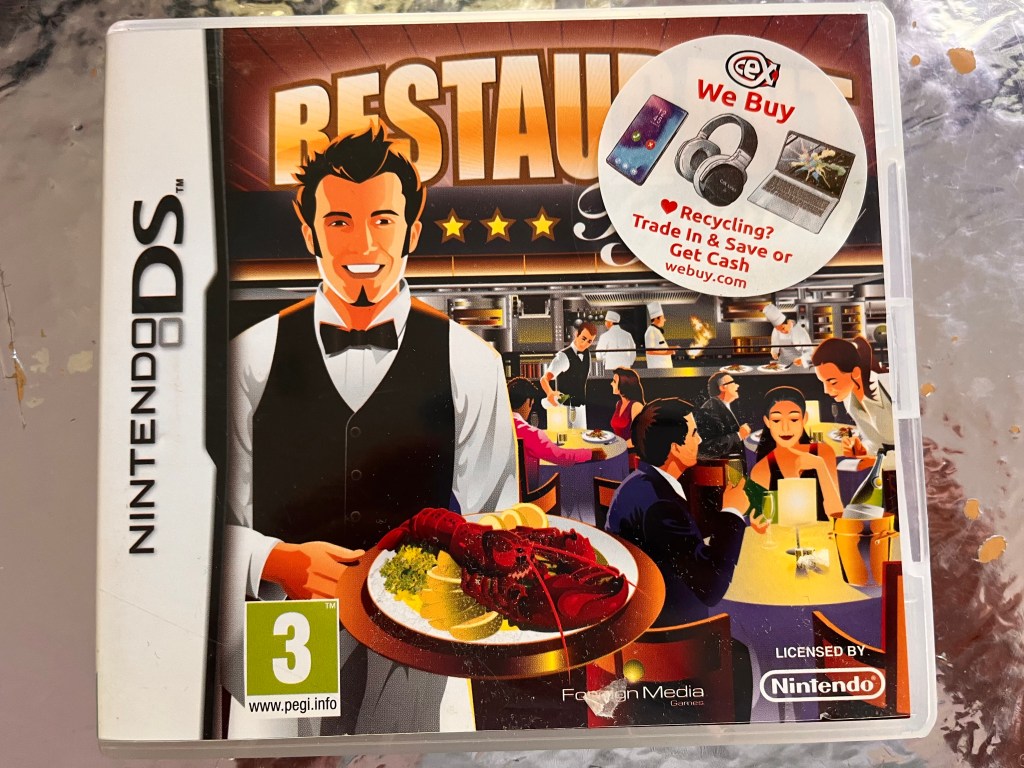
A Simulation/Strategy game that was developed and published by Most Wanted, is rated 3+ and allows for 1 player per game, ‘Restaurant Tycoon’ blends the worlds of the Sims games and Cooking Mama together in a completely unique game.
You’ll play as character who is the relative of a chef who owns a restaurant, and through that character’s eyes, you’ll learn what it’s like to manage your own restaurant, to develop new products and to choose marketing strategies, as well as, obviously, cooking.
The game is played mainly with the touch screen, but you’ll have to press an L and R switch if you want to rotate around the restaurant.
This is something that is ultimately made easier with the Custom DSi, as you’ll be able to place an accessibility switch anywhere that you’ll be able to reach easiest. But if you don’t enjoy games where you’re expected to jump around different angles as much as possible, it isn’t necessarily a game for you.
Mario Slam Basketball
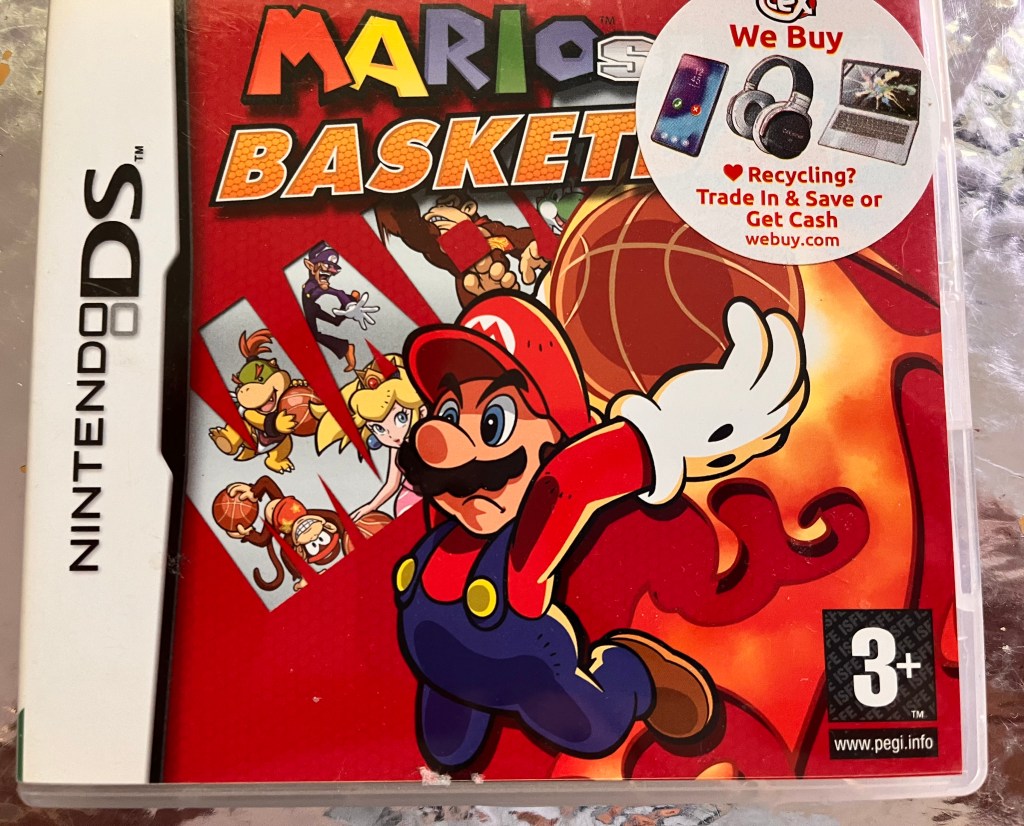
Mario Slam Basketball is a Nintendo DS game developed by Square Enix and published by Nintendo, featuring the beloved Mario characters in a basketball setting.
The game can be mainly controlled with mainly the touch screen, although you will be asked to use other controls every now and again to help perform other actions.
A full list of the controls you’ll have to use in the game are:
- Touch Screen Controls: You can use the touch screen to dribble, to pass, to score, to steal, to jump or when stroking towards an opponent.
- Pressing the L, R, START and SELECT button at the same time to return to the Title Screen, but you might find it easier to just turn the console off and on again.
- D-Pad: Pressing the D-Pad means you can move your character, but you’ll also be able to do this with your stylus if it’s easier.
- Pressing the L button while stroking towards an opponent: This will let you morph into a character that has the ball, even when you don’t have it.
So while it isn’t ideal, I like how there’s workarounds you can use when it comes to returning to the title screen, and for the most part, I did find Mario Slam Basketball accessible.
Mario VS Donkey Kong Mini Land Mayhem
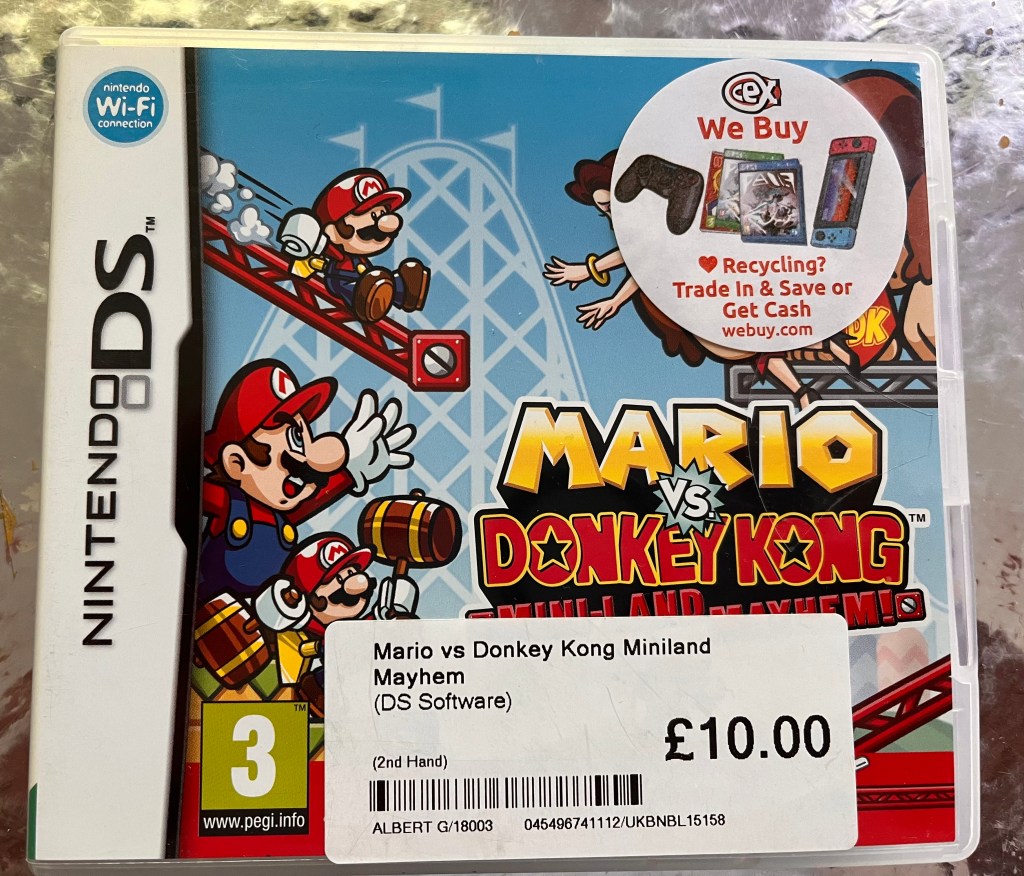
Mario VS Donkey Kong: Miniland Mayhem is a single player puzzle-platformer game in the Mario vs. Donkey Kong franchise, developed and published by Nintendo.
It features Mario and the mini Marios as they fight against Donkey Kong in which the fate of a pretty girl hangs in the balance. You’ll be expected to complete a unique blend of puzzle, platformer and mini-game features, in which you’ll also be challenged to use miniature bot versions of Mario and other characters to defeat Donkey Kong across numerous levels.
Although you can complete the game with just the touch screen, you’ll have to press an L or R switch if you would like help.
But with the Customised DSi, it suddenly becomes accessible.
Under The Knife: Trauma Centre
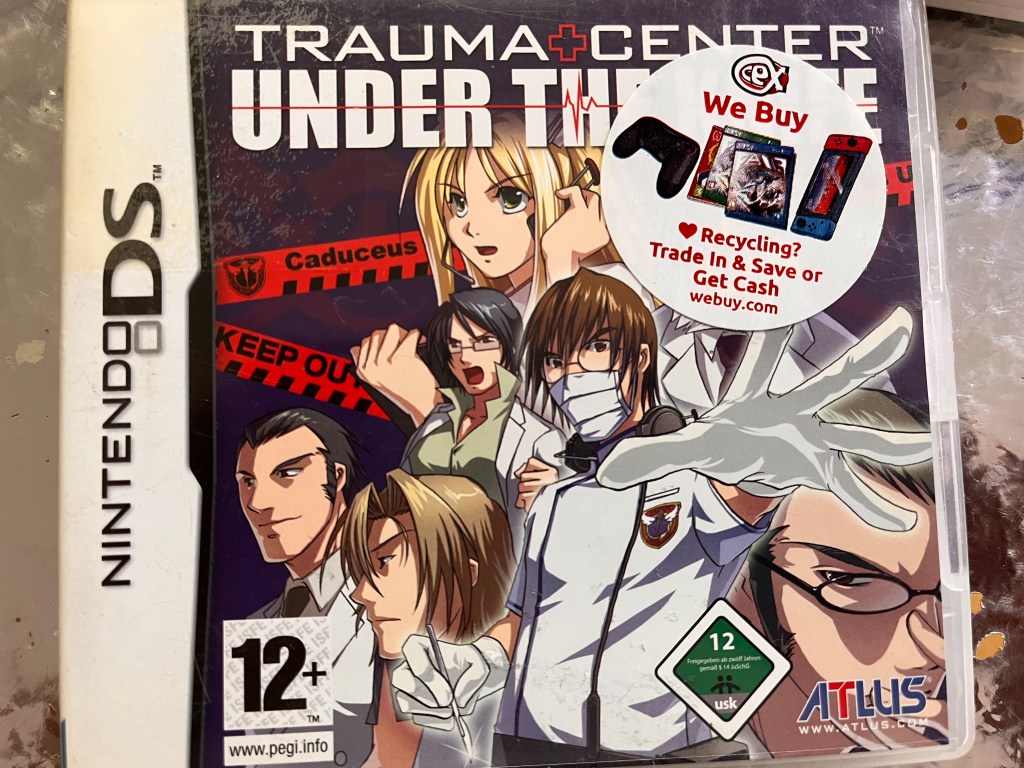
A simulator game developed by Atlus, Trauma Centre: Under the Knife transports you directly into the operation room where you play as Derek Stiles, a doctor who has just recently completely residency, and are expected to complete surgeries and other operations in order to advance.
It is touch screen only, which does make it accessible, as the only thing you have to use to play it is a DS stylus. But if you think that means it’s simple, I’m sorry to disappoint. The game requires you to be absolutely precise, and just like the real world, each surgery is not exactly straight forward.

 Phoebs Lyle Tech Reviews