Welcome back for another blog on Phoebs Lyle Tech Reviews, and for the introduction of a new blog category to this site. That new category is one where I review custom game consoles, which I’ll move on to explaining some more now.
A while ago, I began looking into how accessible or inaccessible the Nintendo platform is for disabled people like myself, as I do remember it being my favourite gaming platform when I was a child. While my research didn’t result in me buying or trying out a Switch, it did lead me into thinking about how the most accessible Nintendo consoles of my childhood could become even more accessible — aka the Nintendo DS systems. It was then that I reached out to Barrie Ellis from OneSwitch — a company which is a fun resource for switch users and for anyone looking to find game accessibility solutions — to see if we could come up with a way for someone who is physically disabled to play a Nintendo DS — which after much consideration, ended up being a DSi.
I then loaned it out through the Special Effect Gaming Charity to try it out, but for various reasons, I didn’t get the time to try it out until more recently. Nonetheless, this is the first part of my review on it, which will include my views on four games I tried with it — one which I had played before, but three which I had never played before due to the inaccessible features of the DS systems. I will do more blogs on this in future, reviewing other games I’ve tried on it and how accessible or inaccessible each of the games are, which will hopefully mean you’ll hear quite a lot of stories about customised DS systems this year.
In What Ways has This Nintendo DSi Been Customised?
It may sound slightly confusing hearing just a general term such as ‘a customised DSi’, so I’ll highlight the ways in which this DS has been customised now, so that everything will sound less confusing.
I am paralysed from the neck down, which means I can’t move anything other than my head, and for that reason, I can only play games with a chopstick or stylus in my mouth.
When it comes to handheld video game consoles and the majority of game controllers, I can use everything on the front of a console / controller, but not the shoulder buttons on the back. So that is something I needed to be resolved in any customised DS we went for.
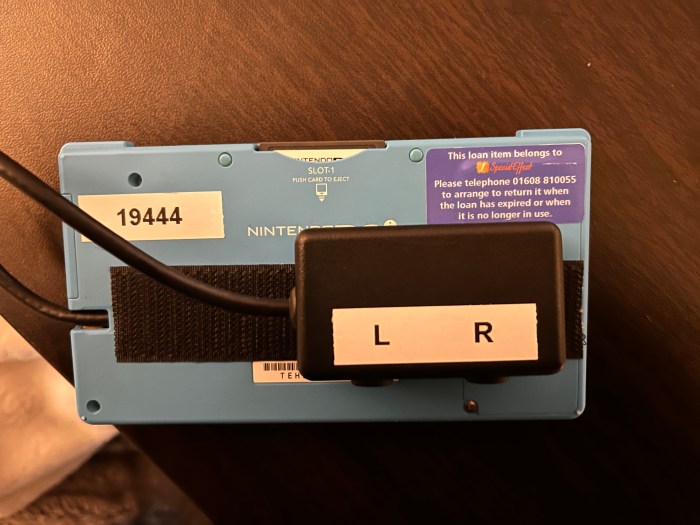
Hence why — to make this DSi console more accessible — a wire with an external switch port was hardwired into the DSi’s stylus port at the side of the console. This has two 3.5 mm jacks in the back of it, which acts as the L and R buttons, which at the back of the console, which means you can plug in any external adaptive switches into the external switch port that you have around the house — and don’t worry if you only use them normally with an Xbox, PlayStation or Switch, they will still work with the DS.
I also ordered in a slightly longer stylus —which I got on Amazon for £5.28, since I put all handheld devices that would normally be used with someone’s hands on an easel.
But now, let’s move on to each of the games I tested.
Mario & Sonic at the Olympic Games (2008)
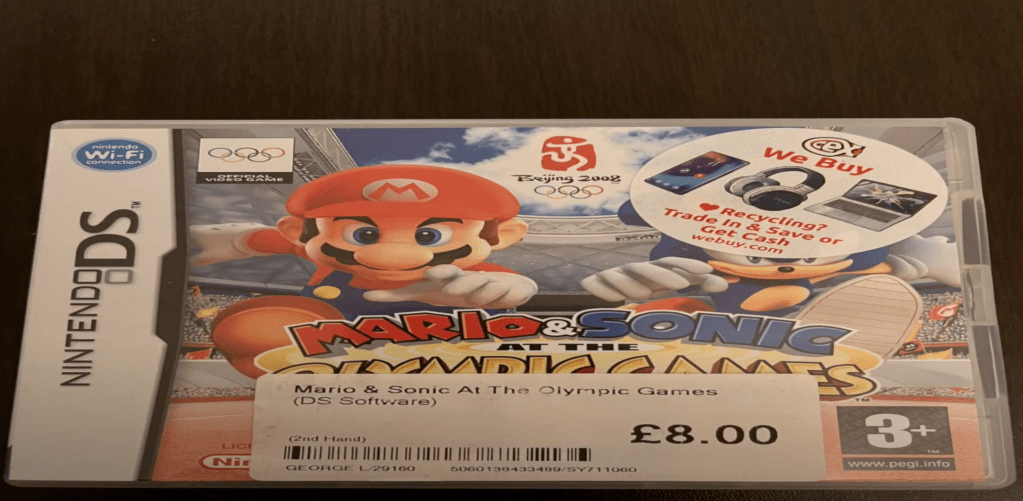
‘Mario & Sonic at the Olympic Games’ is a game developed by Sega in corporation with Nintendo, which is rated 3+ and allows for 1-4 players. It allows players to compete in events that take inspiration from the actual 2008 Olympic Games, while playing as Mario, Luigi, Peach, Daisy, Yoshi, Wario, Waluigi and Bowser on the Team Mario team, or playing as Sonic, Tails, Knuckles, Amy, Blaze, Shadow, Vector, or Dr Eggman on Team Sonic.
There’s a large range of mini games available in the game — some which allow you to play with just a stylus — but others which you’ll have to plug switches in for, which the external switch port on this DS helped to make more accessible. And although there are some games which require you to clap close to the microphone, I found that it worked well by just tapping my stylus next to the DS, while screaming loudly at it helped with blowing.
The full list of mini games available in the game and the controls you use to play them include:
- 100 Meters Racing (Can be played using a stylus on a touch screen)
- Athletics (Can be played using a stylus on touch screen)
- Aquatics (Can be played using a stylus on a touch screen plus L or R buttons)
- Gymnastics
- Archery (Can be played using a stylus on a touch screen)
- Table Tennis (Can be played using control pad plus A/B/Y buttons)
- Fencing (Can be played using control pad plus A/Y buttons)
- Shooting (Can be played using stylus plus an external L / R switch), and:
- Cycling (Can be played using control pad as well as an external L / R switch
So overall, while there are some games that take a bit more practice to be able to play it well, the vast majority of the game is accessible — though whether or not you can play some games depends on how quickly / how far you can move.
Narnia: The Lion, The Witch & The Wardrobe DS
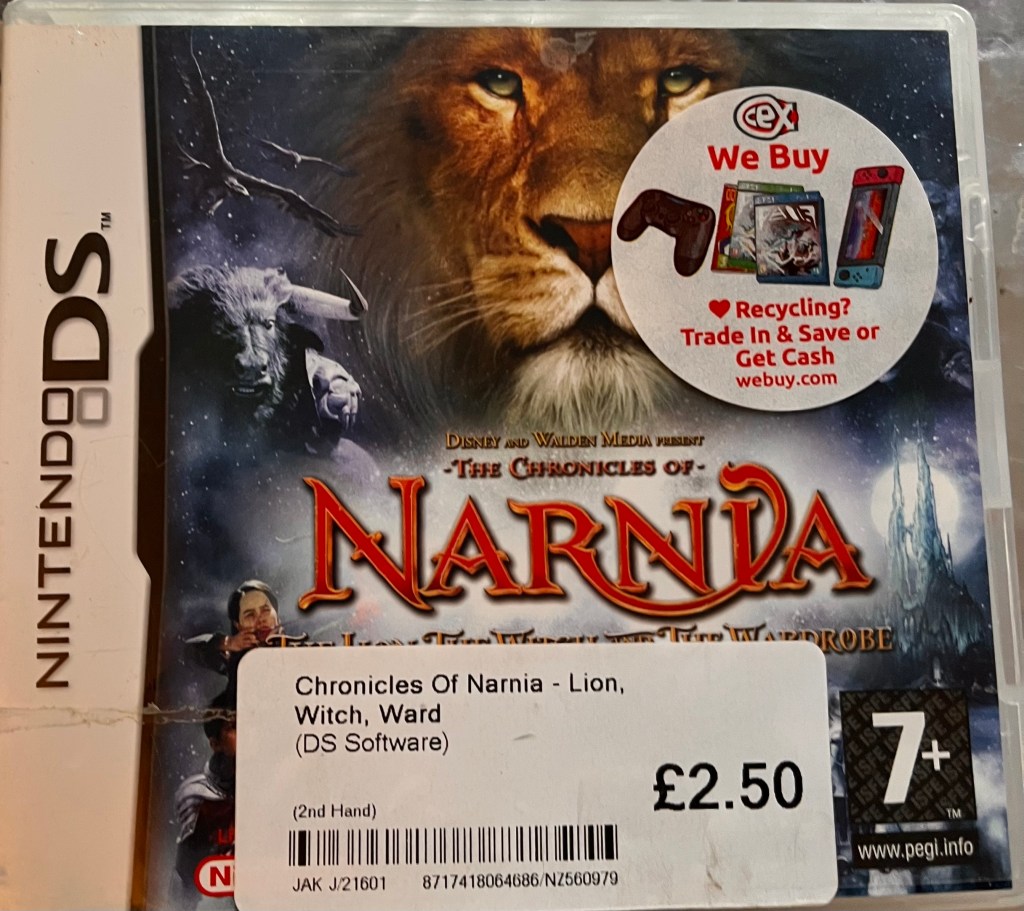
‘The Chronicles of Narnia: The lion, The Witch and The Wardrobe’ is a game developed by Amaze and published by Disney, and is rated 7+.
The game sees players enter the world of Narnia and play through the events of the movie and book it is inspired by, while playing as Lucy and Edmund at the beginning of the game, before finally moving on to letting you play as their siblings as well — Peter and Susan.
While the touch screen on the DS can be used for some things, such as checking out maps and saving your progress, the main controls of the game can only be played using the control pad and A, B, Y, X buttons. But even with only a few touch controls, the game is nonetheless extremely accessible, and I’ve been able to get very far into the games so far with very few difficulties. Saying that, you will have to move around the buttons quickly and think about what move would be better for you to perform a certain skill, so if you’re not able to move round the DS quickly, it may not be for you.
Brain Training DS
I said at the top of this blog that while I’d never played three of these games, I had tried one, and this is the game that I had tried, but it has only been included so I can showcase how accessible it is.
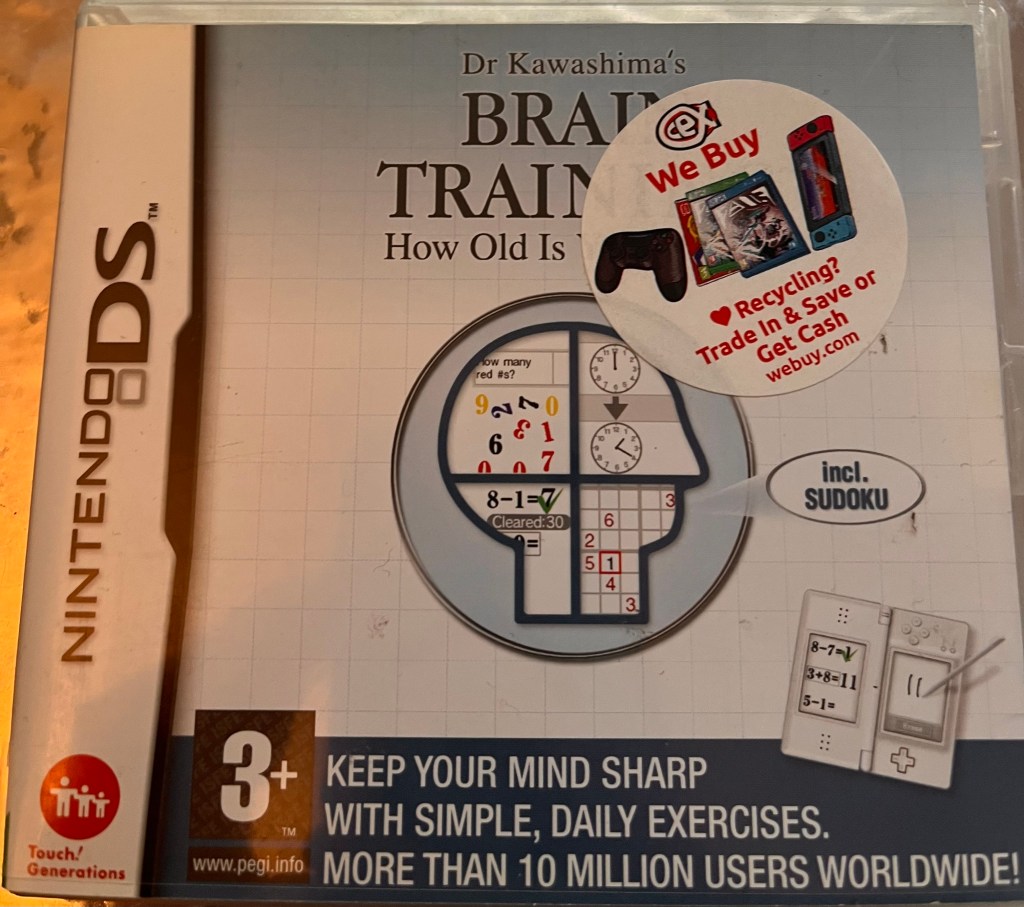
To play, you’ll have to turn the DS on its side, but the game was basically designed in collaboration with Professor Ryuuta Kawashima, who believes that regular brain exercises can counteract forgetfulness, help train memory and creative thinking.
The exercises that the game comes with includes:
- Suduko
- Syllable count
- Reading aloud
- Stroop test
- Word memory
- Speed counting
- Connect maze
- Calculation
- Head count
- Triangle math
- Low to high
These exercises can be completed using a stylus and by shouting at the DS microphone (and don’t worry if you’re someone who doesn’t like maths. I perfectly understand where you’re coming from).
New Super Mario Bros DS
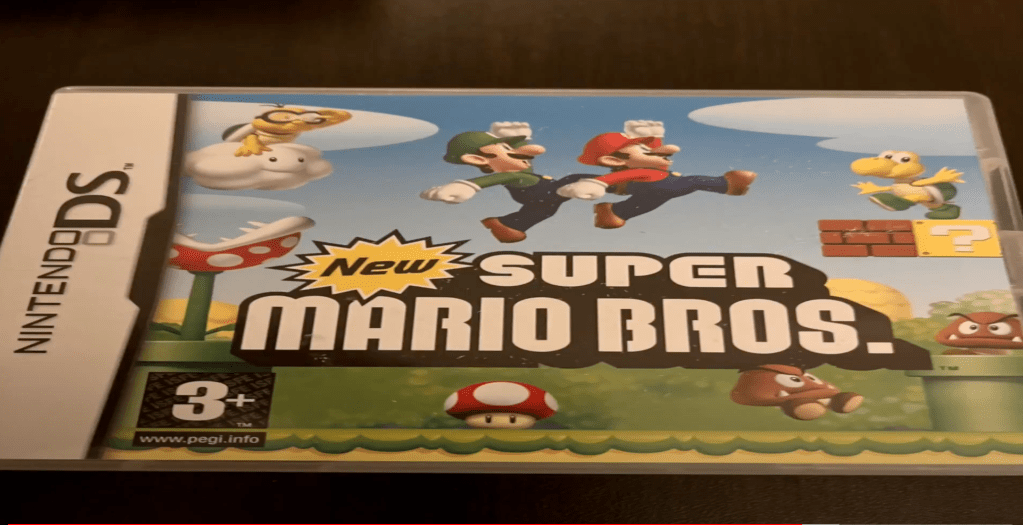
‘New Super Mario Bros DS’ is a platform game by Nintendo, which features Mario and Luigi as they go through a number of worlds that carry out through multiple levels, which must be completed before progressing to the next one.
However, the controls and settings of this game make it not that accessible for people who are physically disabled, as you’ll have to hold X and Y together together to Dash and hold A and an arrow button to jump over obstacles. I would love if this could be solved with some remapping software or with a couple more 3.5mm jacks, but as things stand, that isn’t possible.
So that’s the reason why I traded New Super Mario Bros in at my local CEX. But on the bright side, you can get a Super Mario Bros game for Android and iOS smartphones / tablets — and it’s a lot more accessible than the DS game — so if all you want to experience is the feeling of a Super Mario Bros game and you don’t mind missing out on the story — it’s a good alternative. (You can also get a phone version of Mario Kart).
Final Thoughts
While this customised DSi so far has not enabled me to play every game, it has let me play a lot more games than I could previously play, which is something I am delighted with. Yes, it has been tempting to buy all the games I know I can play that were the main games I played throughout my childhood (ok, I may have ordered and played a few of them), but there’s a lot more games that I can play now that weren’t that accessible beforehand, and I do have plans to buy in more of them in the next few months.
Yes, some games may depend on how quickly you can click certain buttons and how far you can reach, but from my own experience, it’s more than accessible for physically disabled people who can get round buttons quickly, and a lot of that may have more to do with the games instead of the customised DS itself, and with that understanding, I will definitely rate the Customised DSi that I tried 5 stars.
On another point, however, I just want to add in that I also recently bought in a 2DS (old not new), which I’ve tried looking at to see if I can install any remapping software onto, and which I’d also like to see if I can install another external switch port into, as the stylus port is on the same side as the DSi and is exactly the same size. I would like the port to again act as the shoulder buttons as well. But anyway, if that sounds like something you can help me with, you can reach out to me by commenting, or by emailing p.h.m.lyle@btinternet.com, or by tweeting @Phoebslyle on Twitter.
But going back to the customised game console in question, I am extremely happy with what this customised DSi has to offer, and I would definitely recommend it.

 Phoebs Lyle Tech Reviews